Signers and approvals
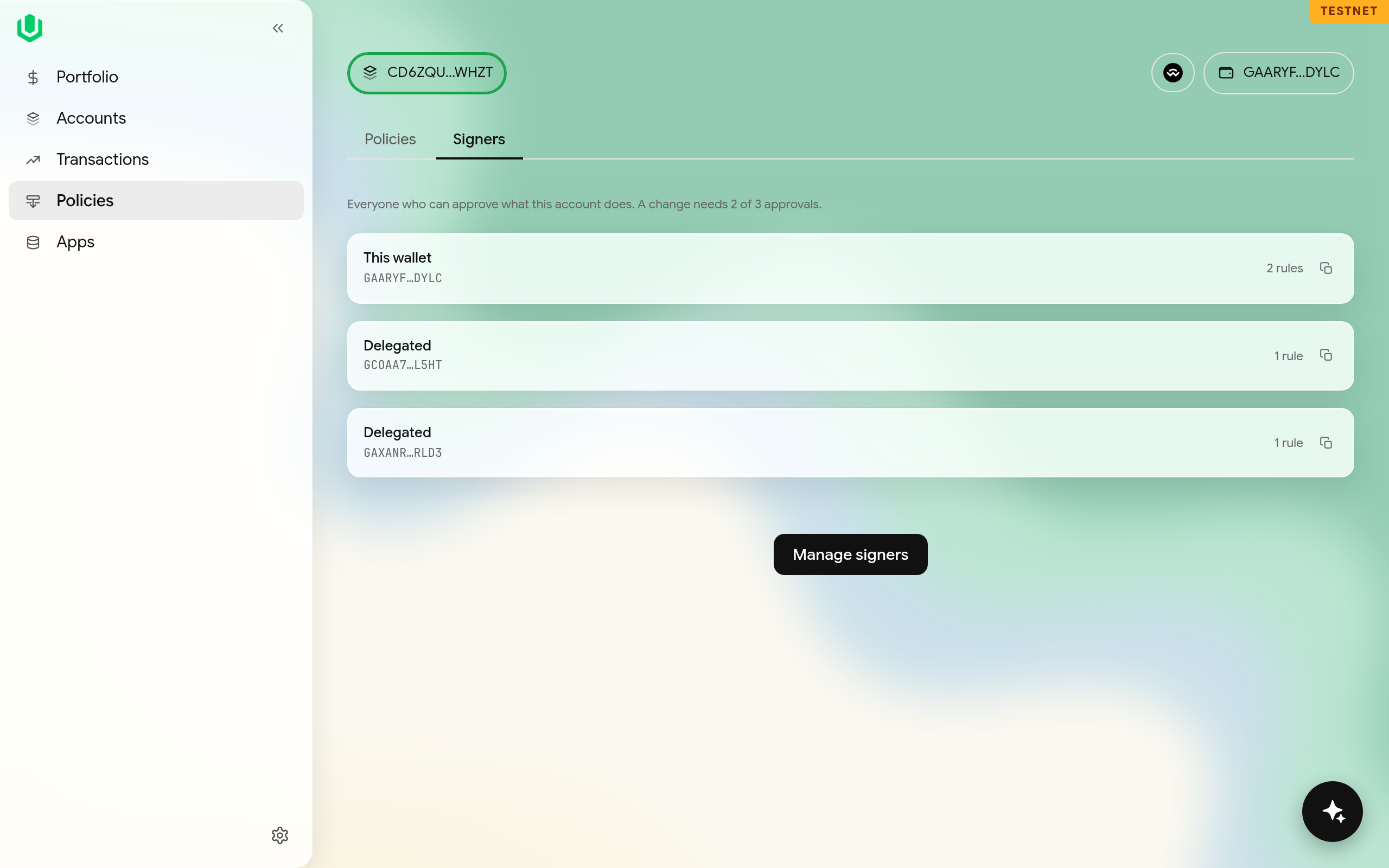
The account's signers and its approval count are on the Signers tab of the Policies page. The tab lists each signer and the number of rules it is on, and a line such as "a change needs 2 of 3 approvals".
Changing them
Select Manage signers to add or remove a signer or change the approval count. The dialog summarises the change before you apply it.
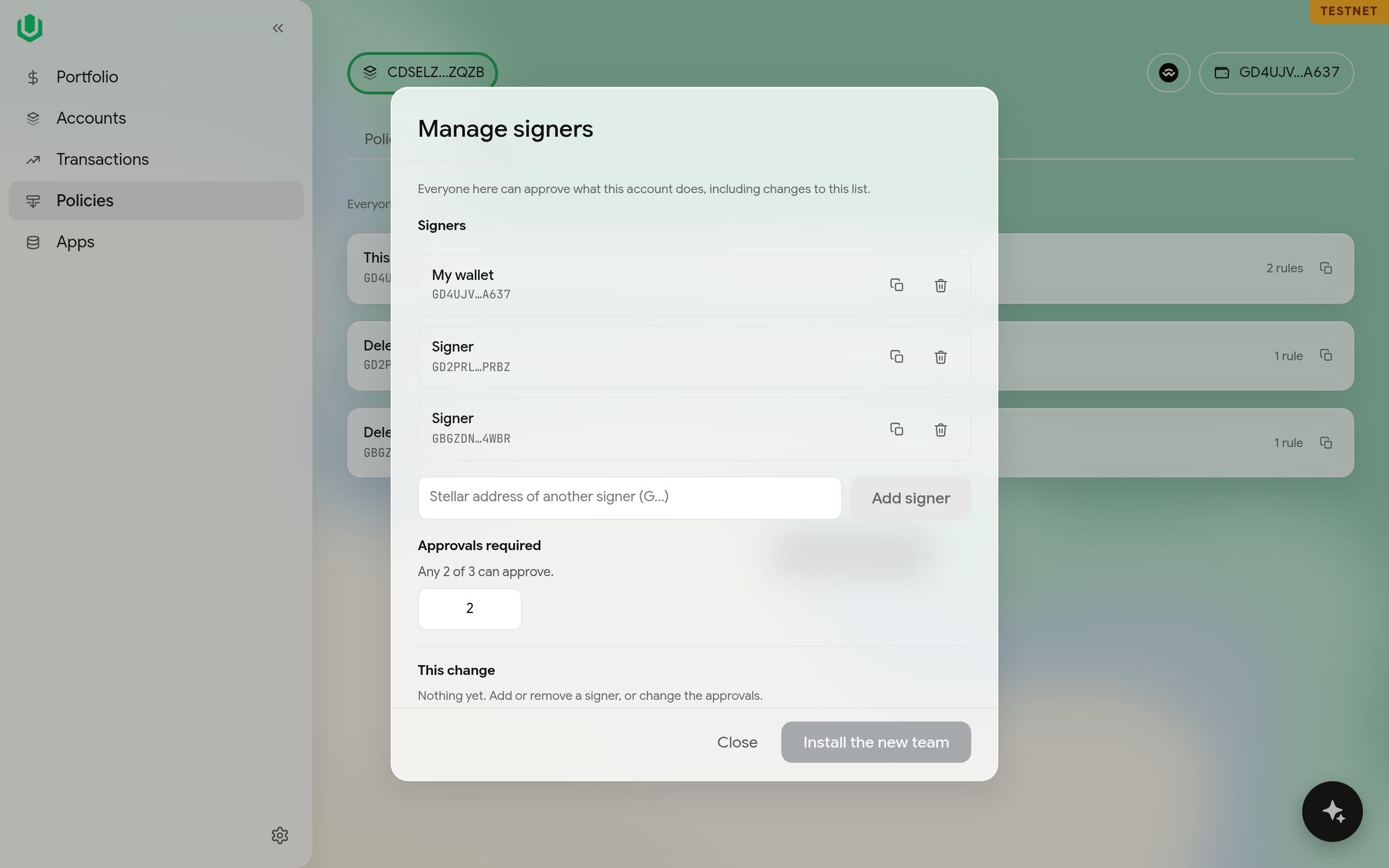
A change is two transactions. The first adds the new signer set and needs the current approval count. The second removes the old signer set and needs the new set's approval count. The dialog shows the two steps separately.
If you can't approve a step alone, you get a co-sign link for the others; see Transactions and co-signing.
Changing the signers on a rule
If you change the signers on an agent's rule that has a policy, the policy refuses every call until you install the rule again.