Apps, accounts and portfolio
Apps
The Apps page lists venues by network, such as lending pools and swap pools. Prime Execution is also here; see Run a move.
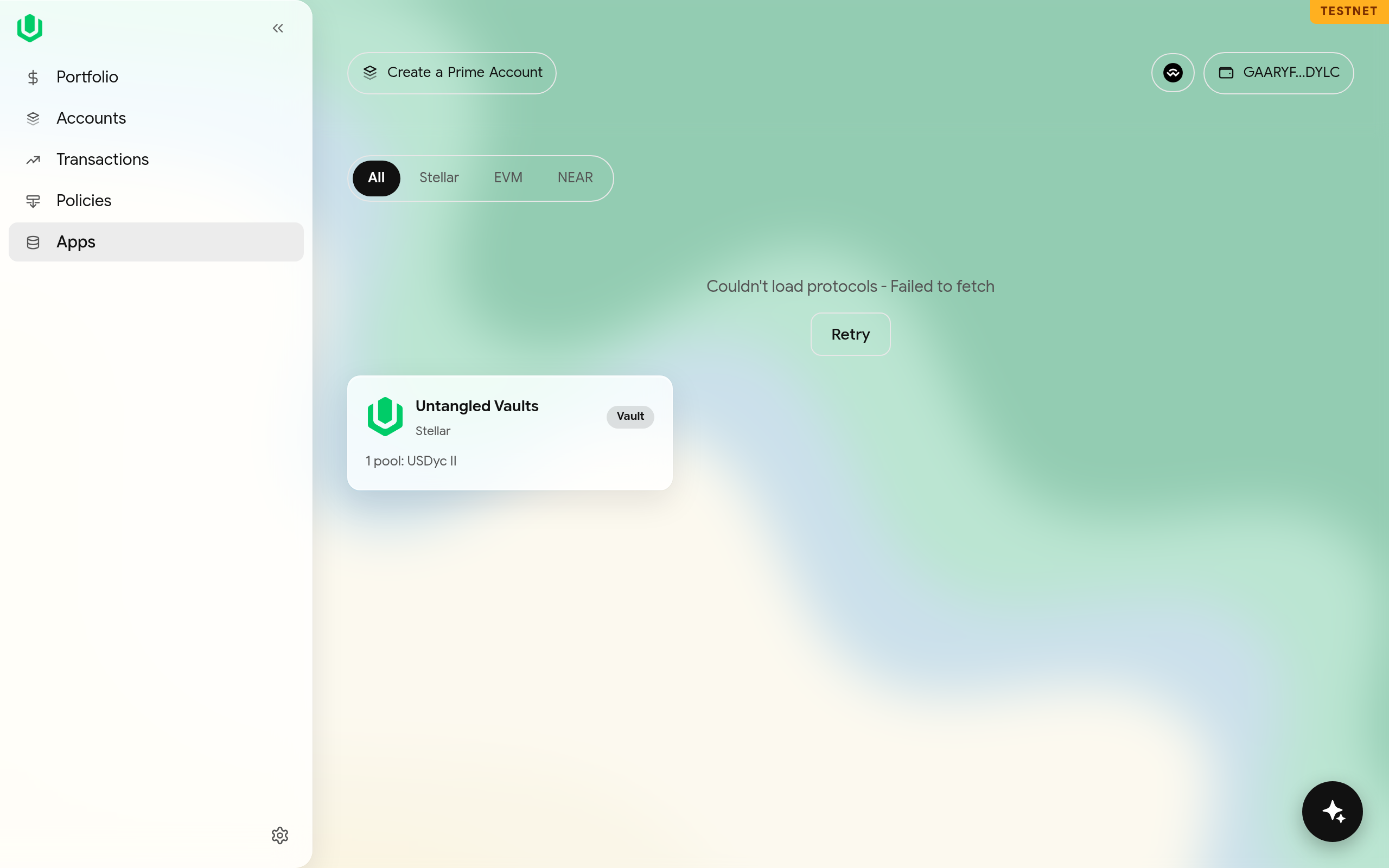
Pairing an app is temporarily unavailable, and the Connected apps button is hidden. This section describes how pairing works when it returns.
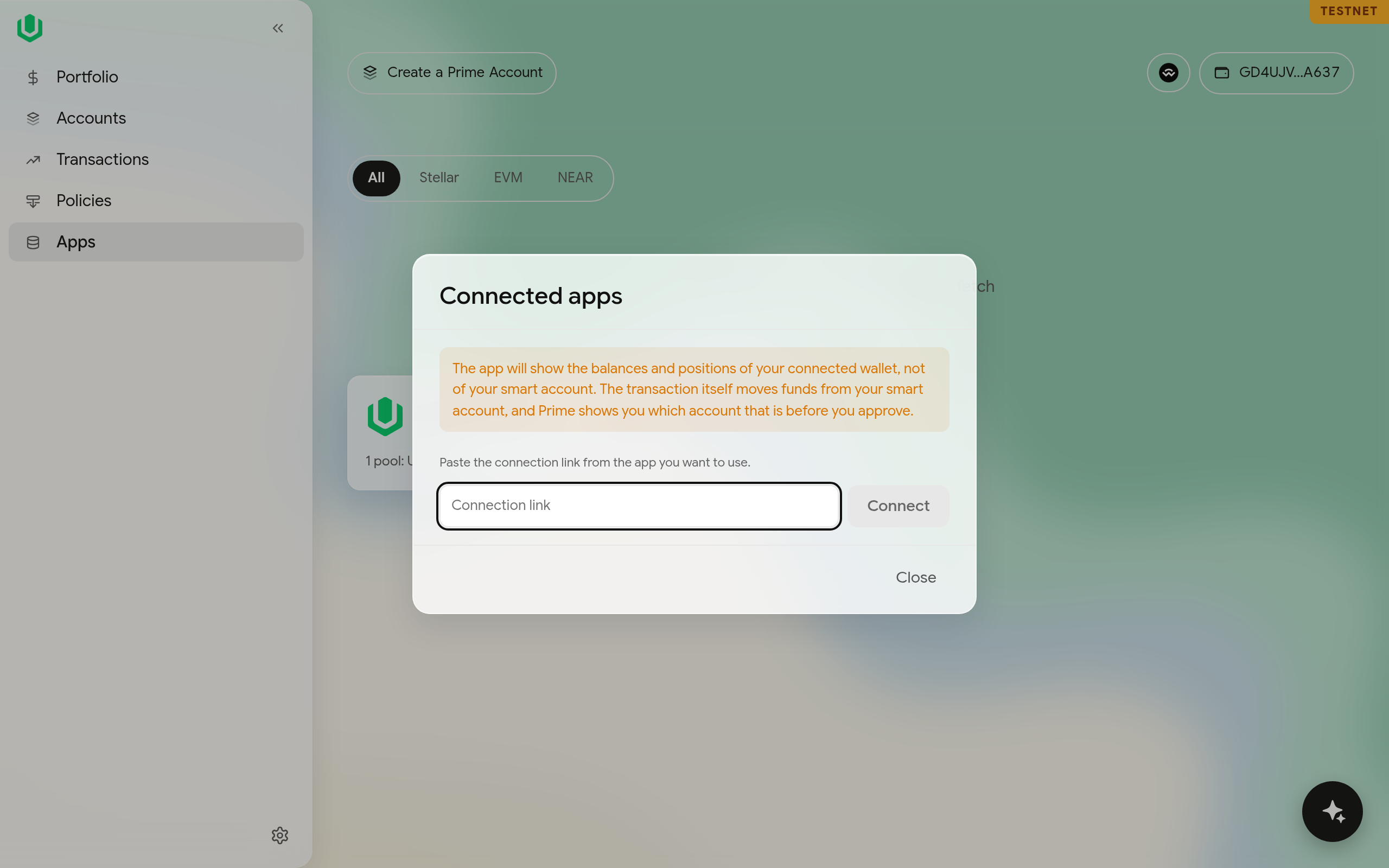
You can connect an outside app to the Prime Account with WalletConnect. Open Connected apps from the Apps toolbar and paste the app's connection link. The app sees the Prime Account as its wallet, and you approve its requests like any other transaction.
Accounts
The Accounts page lists your wallet and the Prime Accounts it is a signer of. Create a Prime Account starts a new one. Each account has two buttons when you expand it.
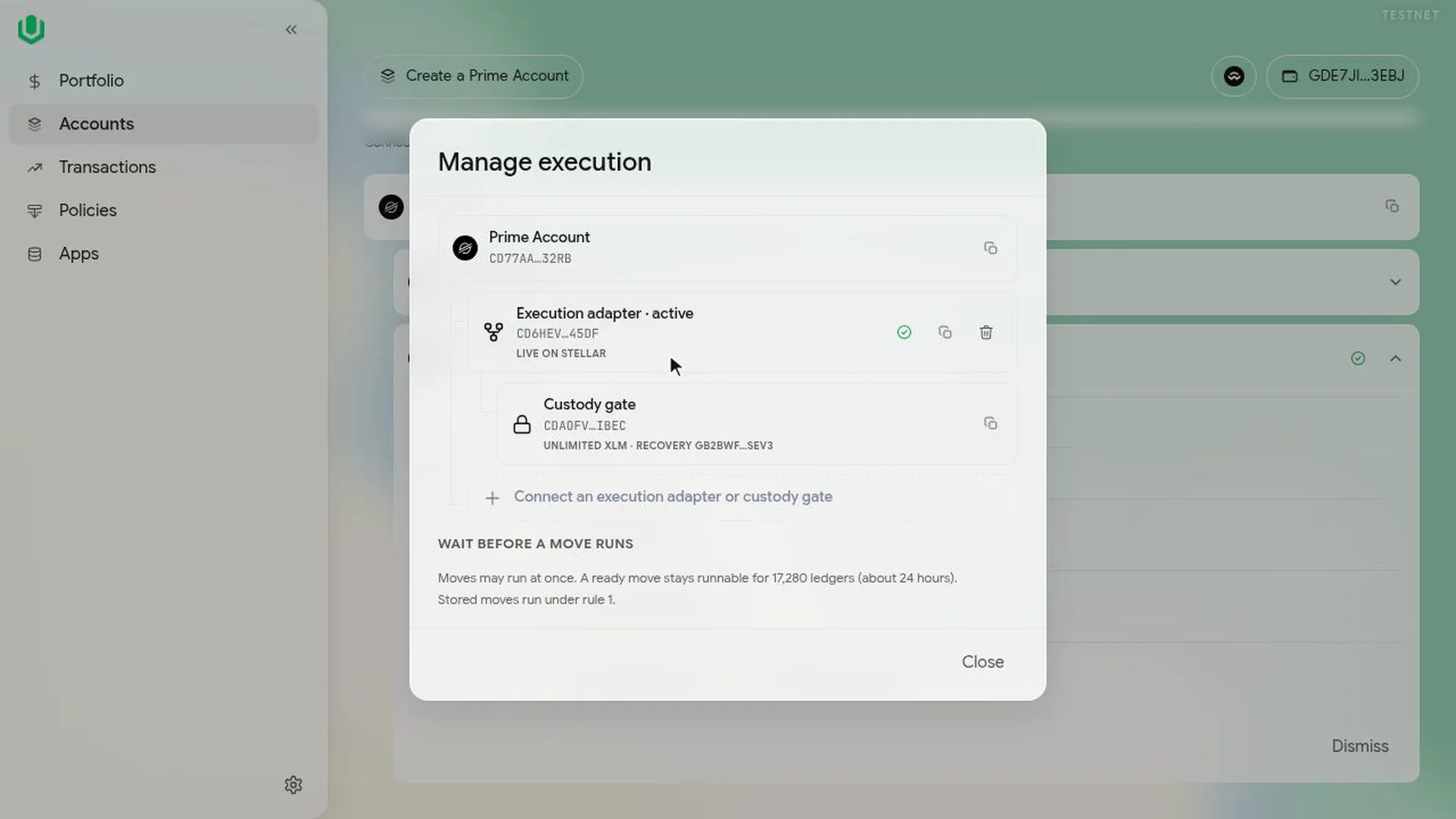
Manage execution shows the execution contract and the custody gate it uses, with the gate's wait and run window. You use it to create the execution contract, to let it run stored moves, and to connect a gate that was set up in another browser. See Create the execution contract.
Manage allowance sets how much templates such as Pull funds can take from your connected wallet. Templates that move custody's funds, such as Swap on Aquarius, proceeds to custody, don't use it; they go through the custody gate.
Portfolio
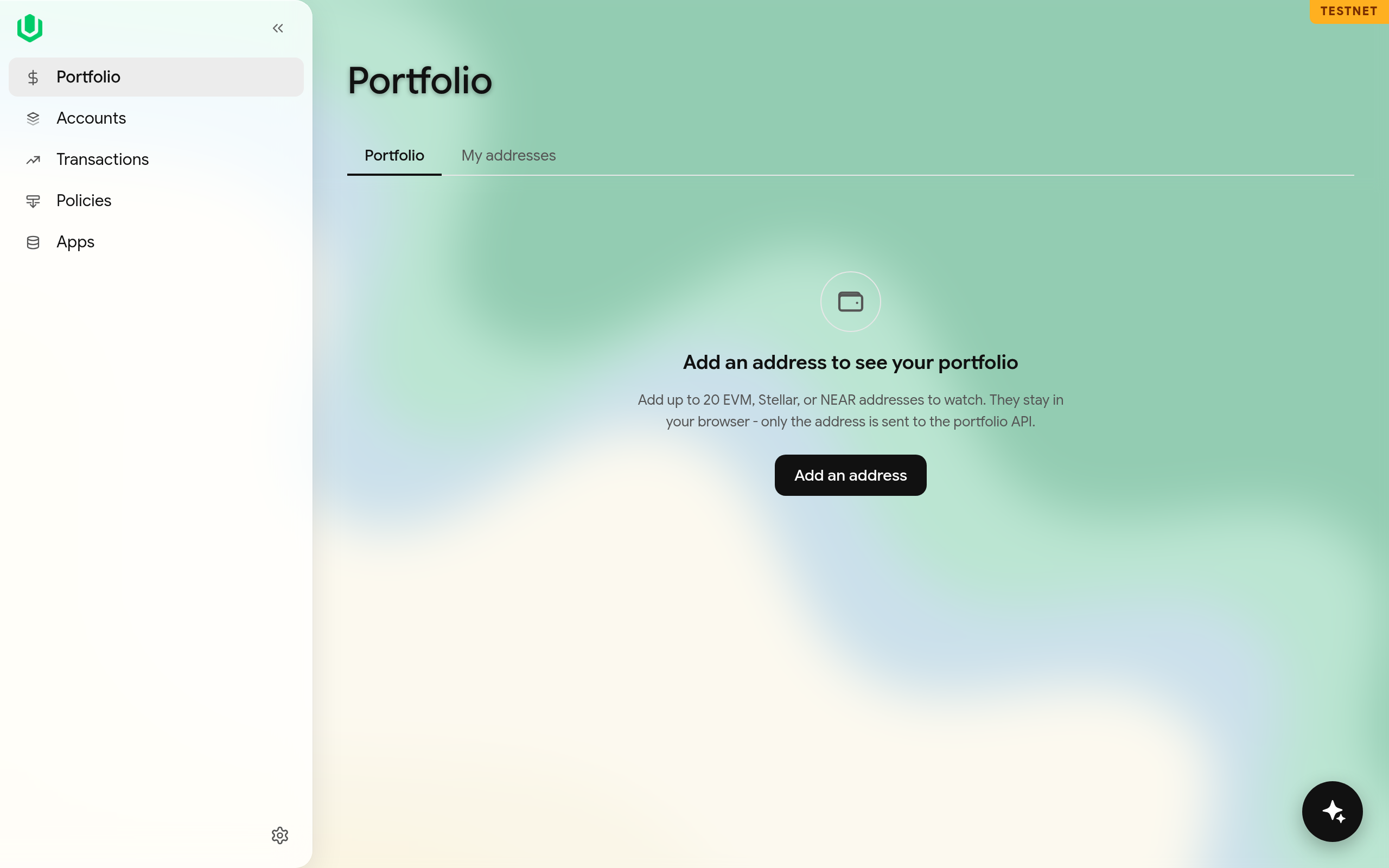
The Portfolio page shows balances for up to twenty EVM, Stellar or NEAR addresses. The list is kept in your browser, and the app sends only the addresses to our portfolio service to look up balances.