Recover custody funds
If custody's signers lose access, the Prime Account's signers can move custody's funds to the recovery address set in the gate, without custody signing. This only works if the gate was created with a recovery address.
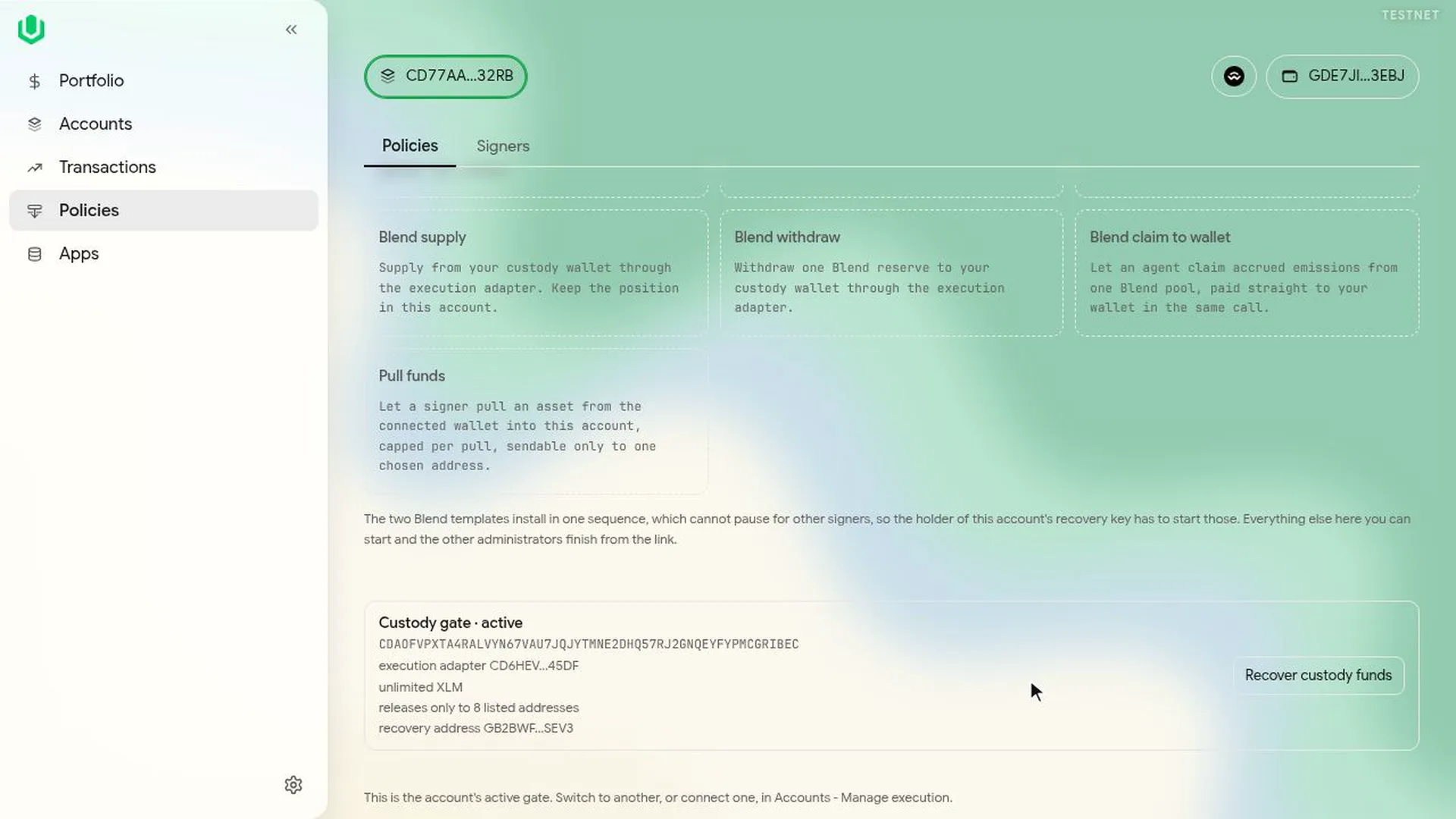
- As a signer of the Prime Account, go to Policies. The custody gate card shows the recovery address.
- Select Recover custody funds.
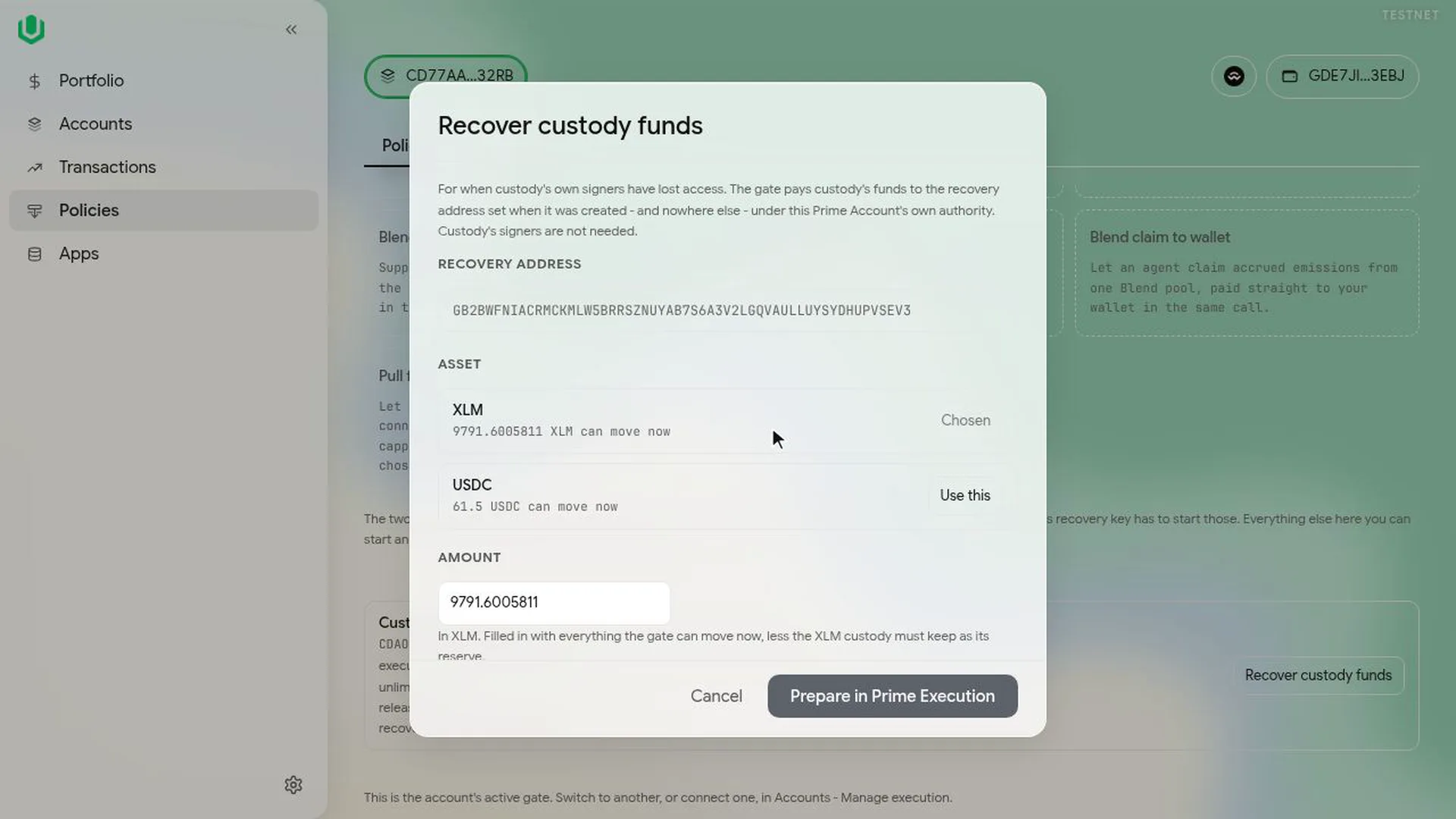
- Choose the asset and the amount. The amount starts at everything the gate can move, minus the XLM reserve custody has to keep.
- Select Prepare in Prime Execution. Prime Execution opens with one call that pays the amount from custody to the recovery address. It needs the Prime Account's normal approval count.
- Select Execute, then Run, and sign.
- Another signer opens the co-sign link from the Queue, checks the call and selects Sign and continue.
The recovery goes through the gate like any other move, so the gate's wait applies. In the video the gate has no wait and the 250 XLM arrives straight away.