Use the wait
When a rule has a wait, signing a move stores it instead of running it. The agent can't cancel a stored move; custody and the account's signers can.
In the video the agent stores two 50 XLM swaps under the 10 to 100 XLM rule, which has a 12-ledger wait. Custody cancels one and the other runs.
Store a move
Build the move in Prime Execution as described in Run a move and pick the rule with the wait. Wait before it runs (ledgers) is set to the rule's minimum. You can set a longer wait, but the rule's minimum is the shortest.
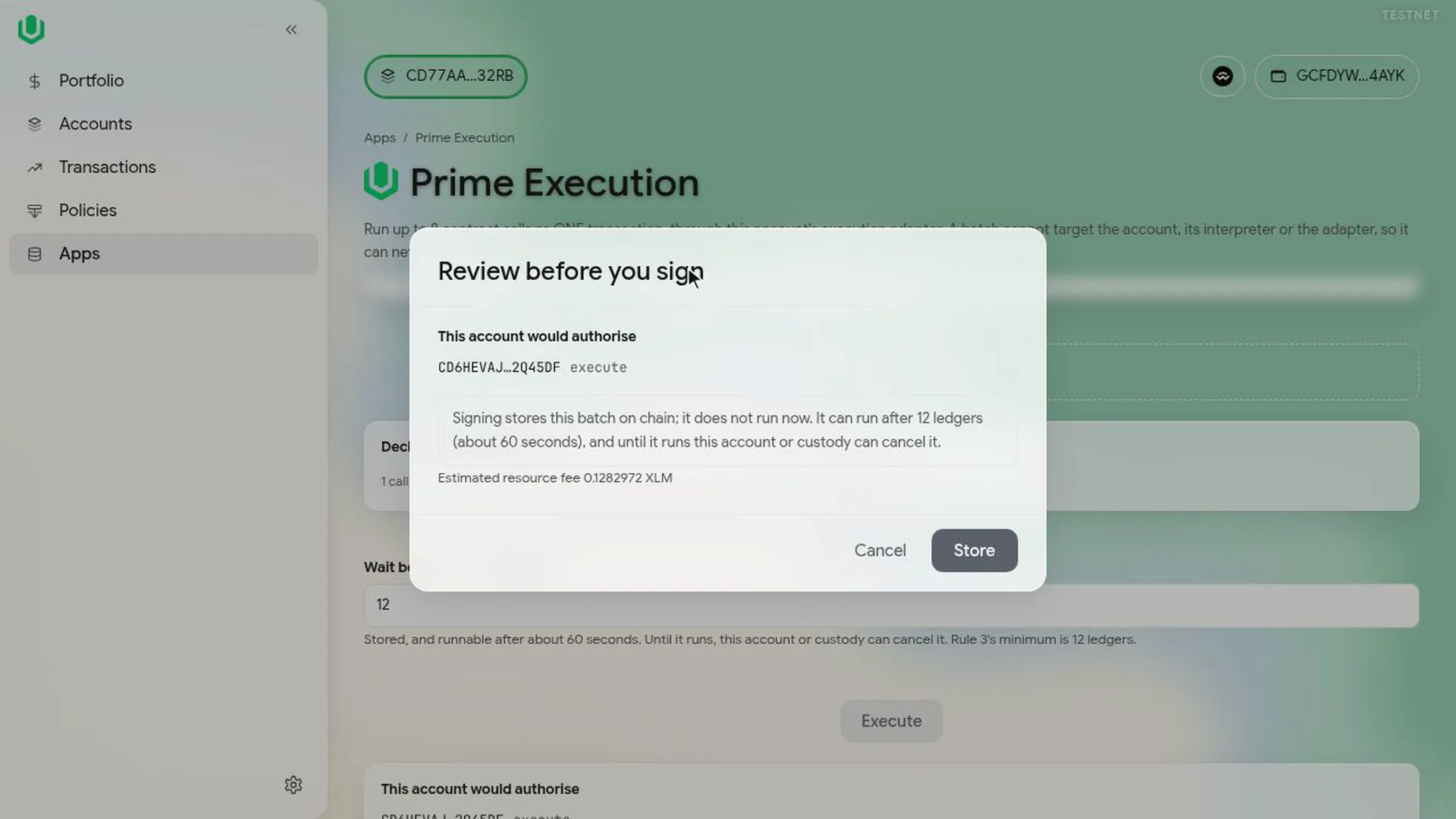
Select Execute. The review shows that the move will be stored and when it can run. Select Store and sign.
Find it in the Queue
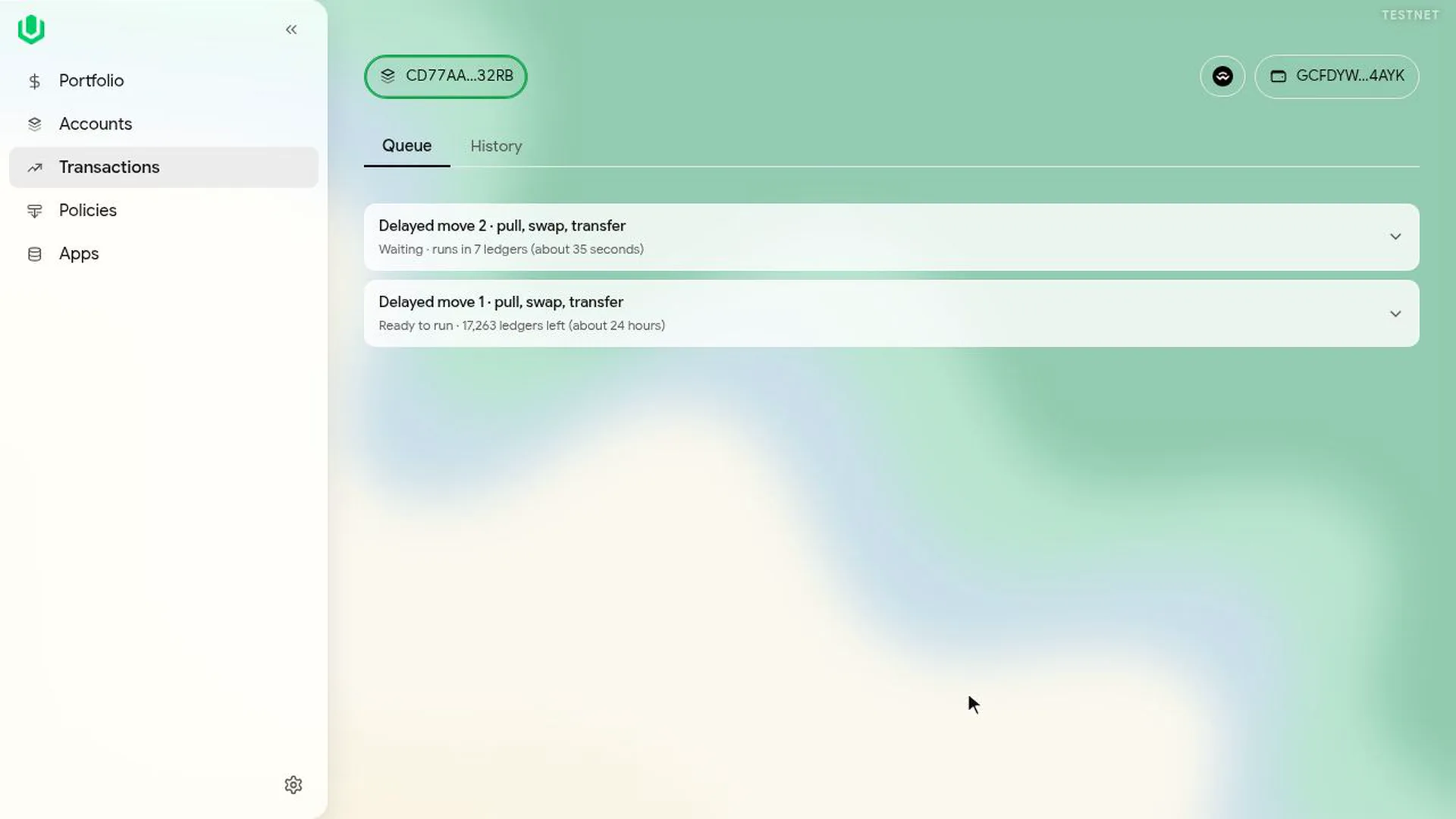
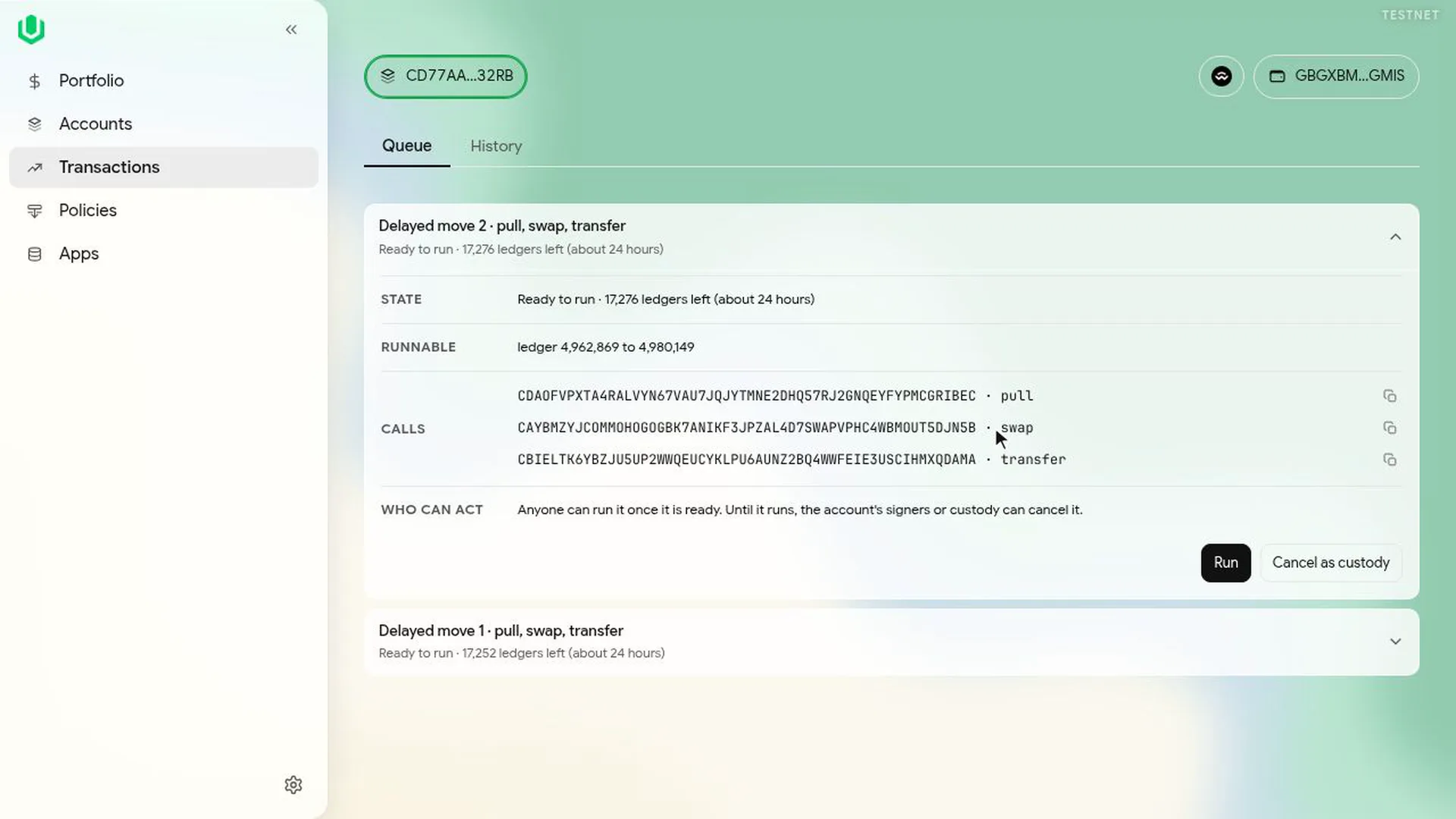
Stored moves appear under Transactions, then Queue, labelled as stored moves. Each shows Waiting with the ledgers left, or Ready to run with how long it can still run. Open one to see its calls.
Cancel it
Custody opens the move and selects Cancel as custody. A signer of the Prime Account sees Cancel instead. If custody is a multisig, the cancel goes to the Queue as Cancel a stored move from custody and custody's other signers sign it there; the last one selects Submit. The cancelled move then disappears from the Queue.
Run it
When the move shows Ready to run, any connected wallet can select Run and sign. It doesn't need any new approvals. A move that isn't run within the gate's run window lapses.
Next: Recover custody funds.